PhotoshopCAFESoftware
How to Stop Nano Banana Stretching Selections in Photoshop

Stop Nano Banana stretching selections in Photoshop with this Smart Object trick that also produces sharper, higher-quality AI results.
Firmware & softwareAI in imagingAi Art and toolsNewest Photoshop + LR FeaturesPhotoshop CC New FeaturesPhotoshop Tutorials
Read at PhotoshopCAFE ↗Related
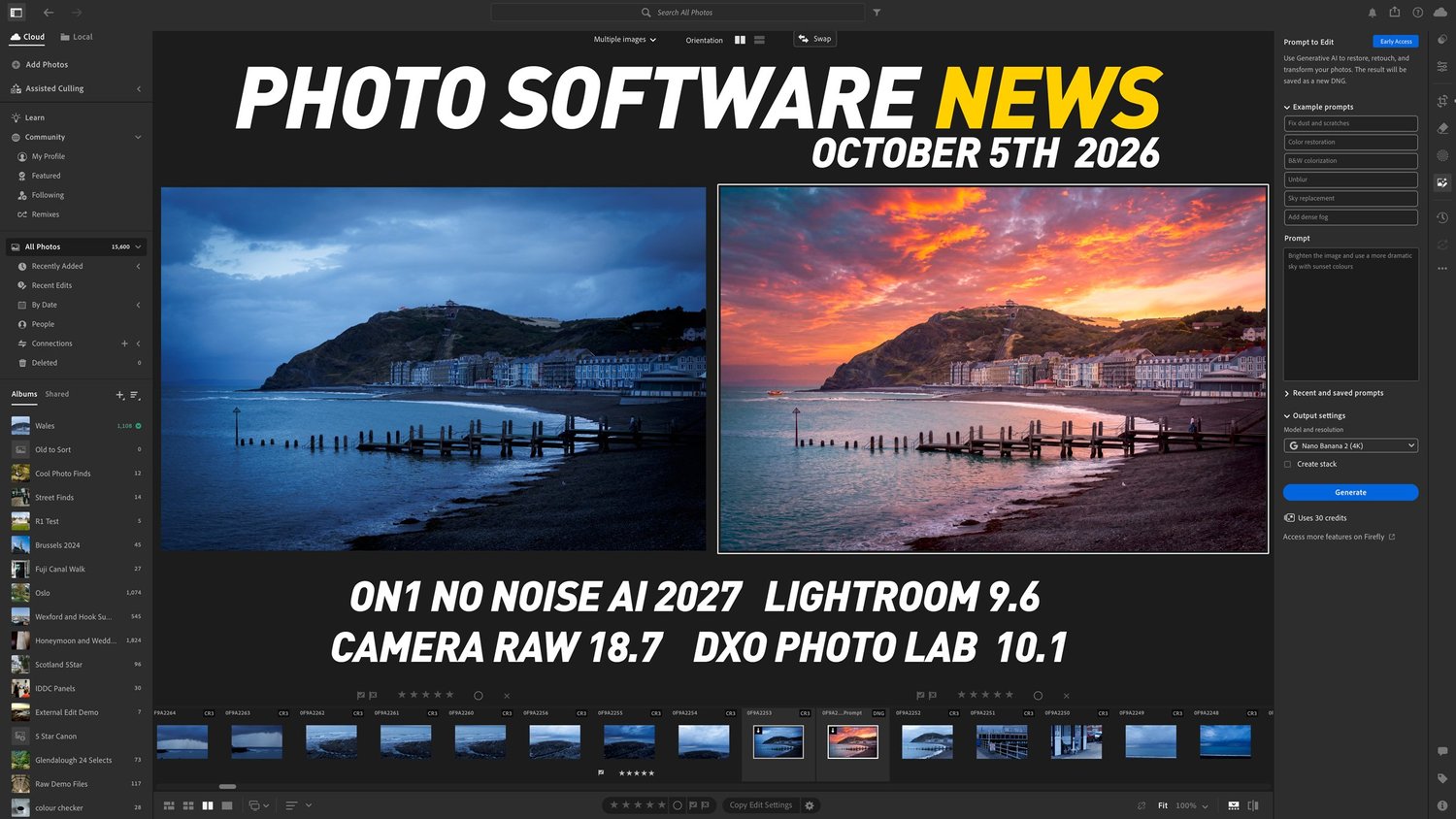
SoftwarePhoto Software News update for October 5th Thomas Fitzgerald Photography
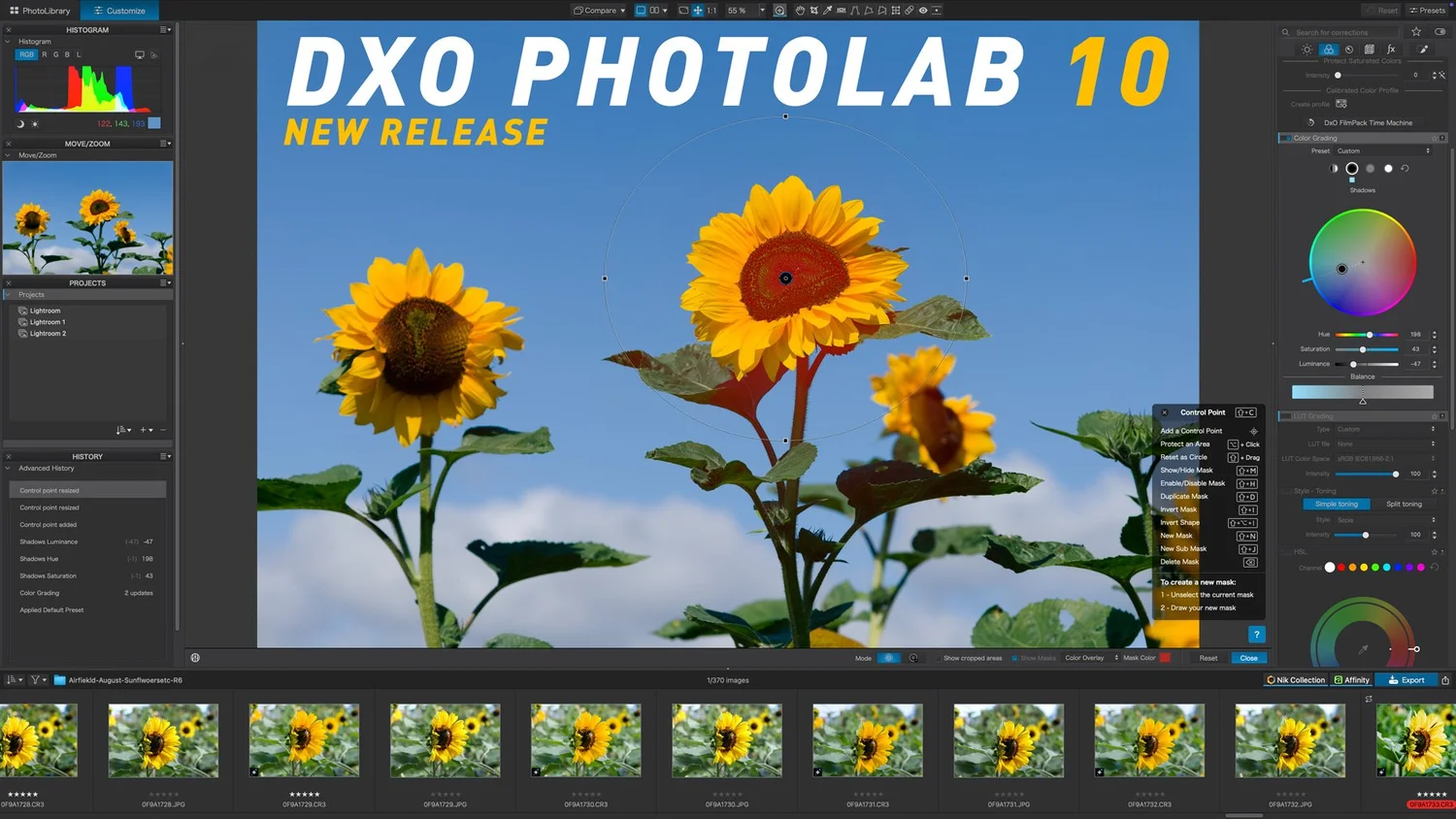
SoftwareDxO PhotoLab 10 released: adds depth-aware masking, colour grading and expanded AI tools Thomas Fitzgerald Photography

ReviewsFree software update turns Insta360’s tiny action camera into a full-fledged AI assistant that can do things most smart glasses can’t T3 cameras

TechAdobe Firefly AI will let you edit in creative software by just talking your way through it Digital Trends Photography
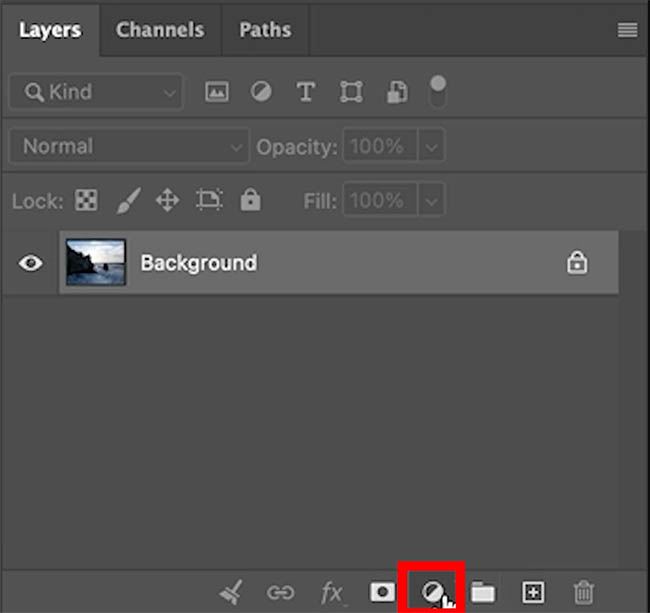
SoftwareHow to Use the Light Adjustment in Photoshop: In-Depth Guide PhotoshopCAFE